Welcome onboard
HOW TO GET STARTED

Now you’re up and running with Lanetalk. Bowlers can already find your center in the Live Scoring, get game stats, digital score cards and play tournaments from your center. Let the fun begin!
Many bowlers are already using Lanetalk, but to get more action in your center we have created flyers, posters, pictures and scoring monitor videos that you can download and use in your center, to get more attention to the new possibilities for your bowlers.
Learn how to add a monitor ad to your Conqueror lane monitors.
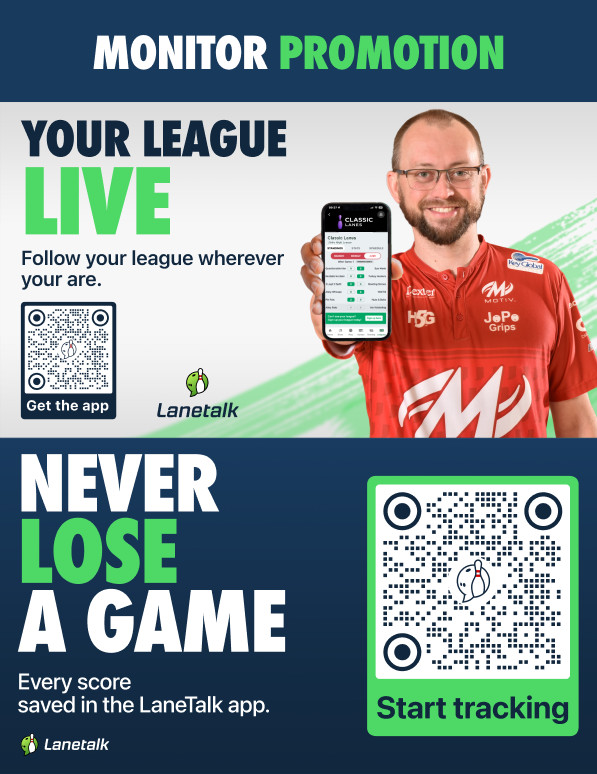
Monitor Promotion
Download (zip)
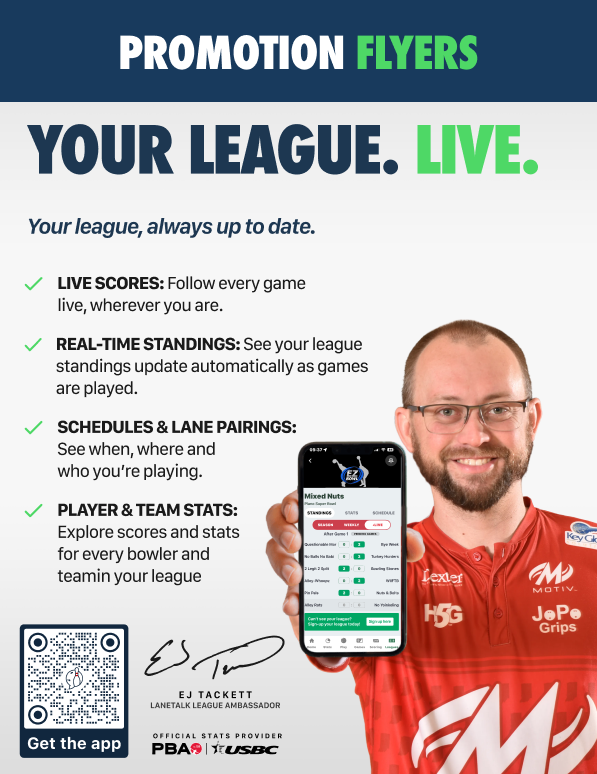
Promotion Flyer
Download (zip)
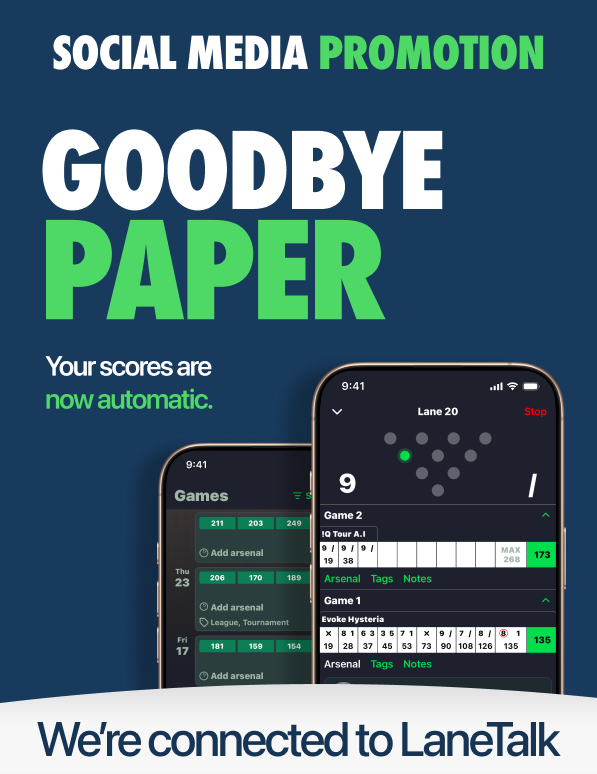
Social Media Promotion
Download (zip)
LaneTalk Informercial
Download (zip)
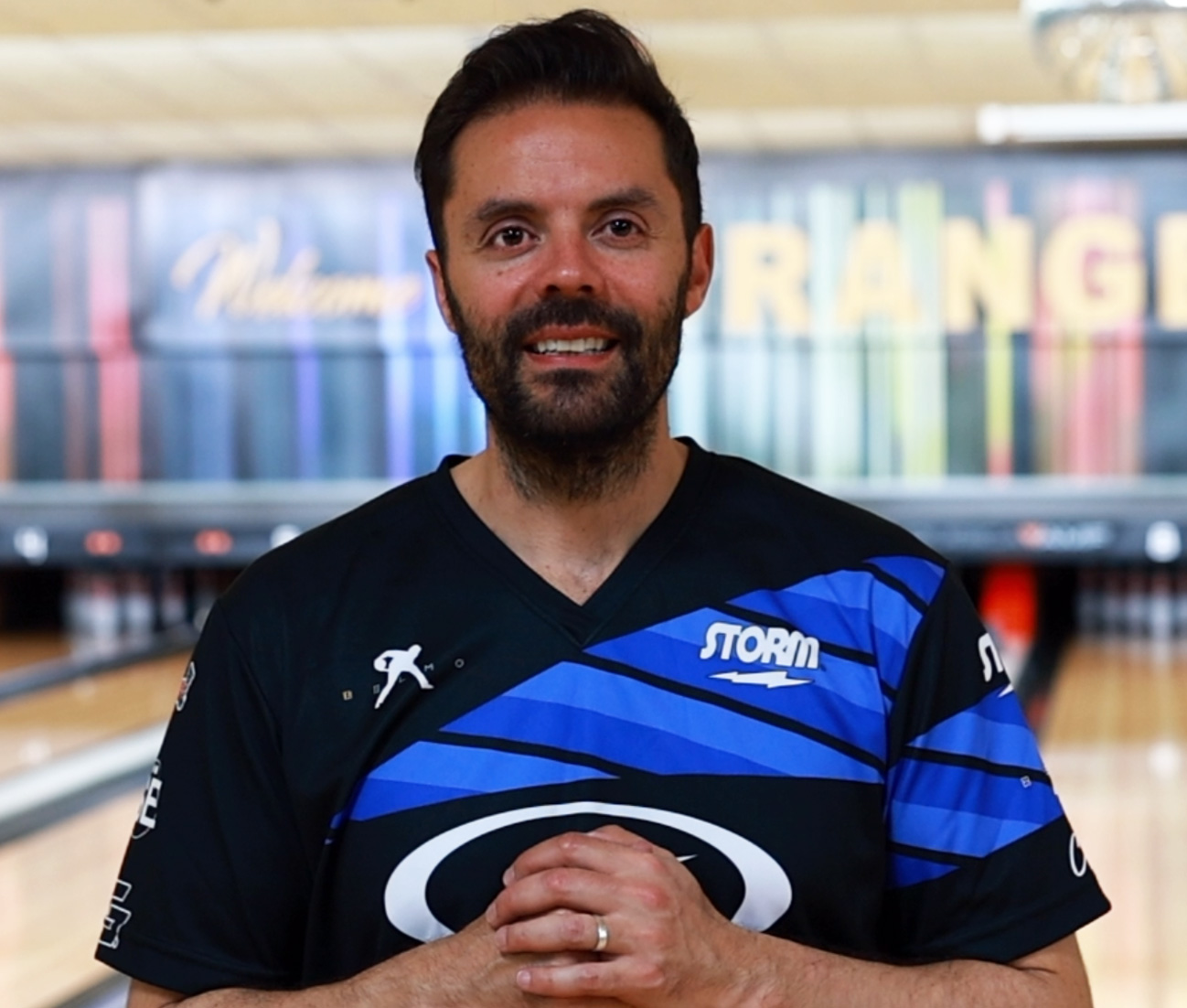
A warm welcome to Lanetalk from Jason Belmonte to You as a Center Manager.
Learn how our League Manager automates your league operations and saves you time every week.
Sign up to get more details, updates, and insights about how the platform supports your league.
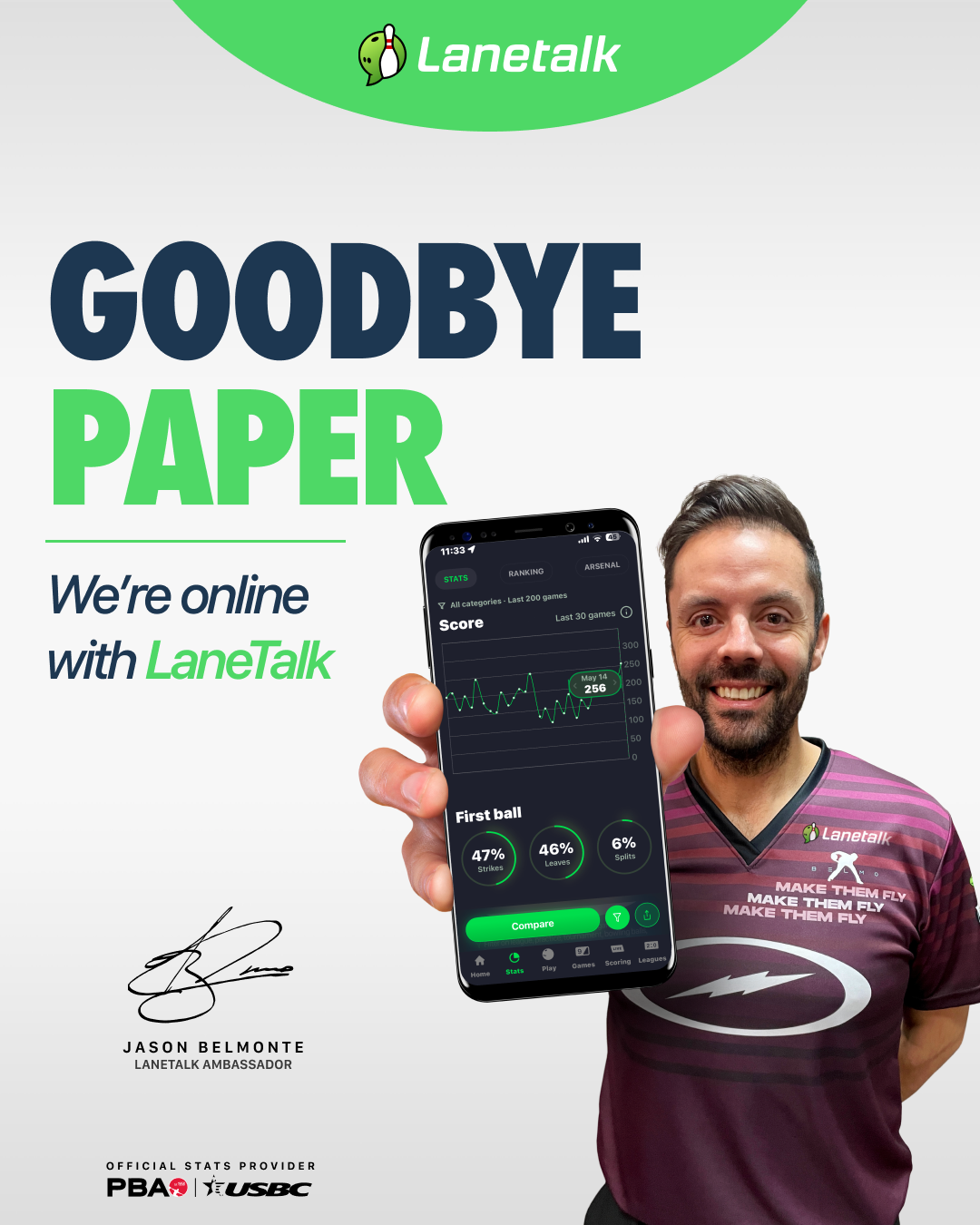
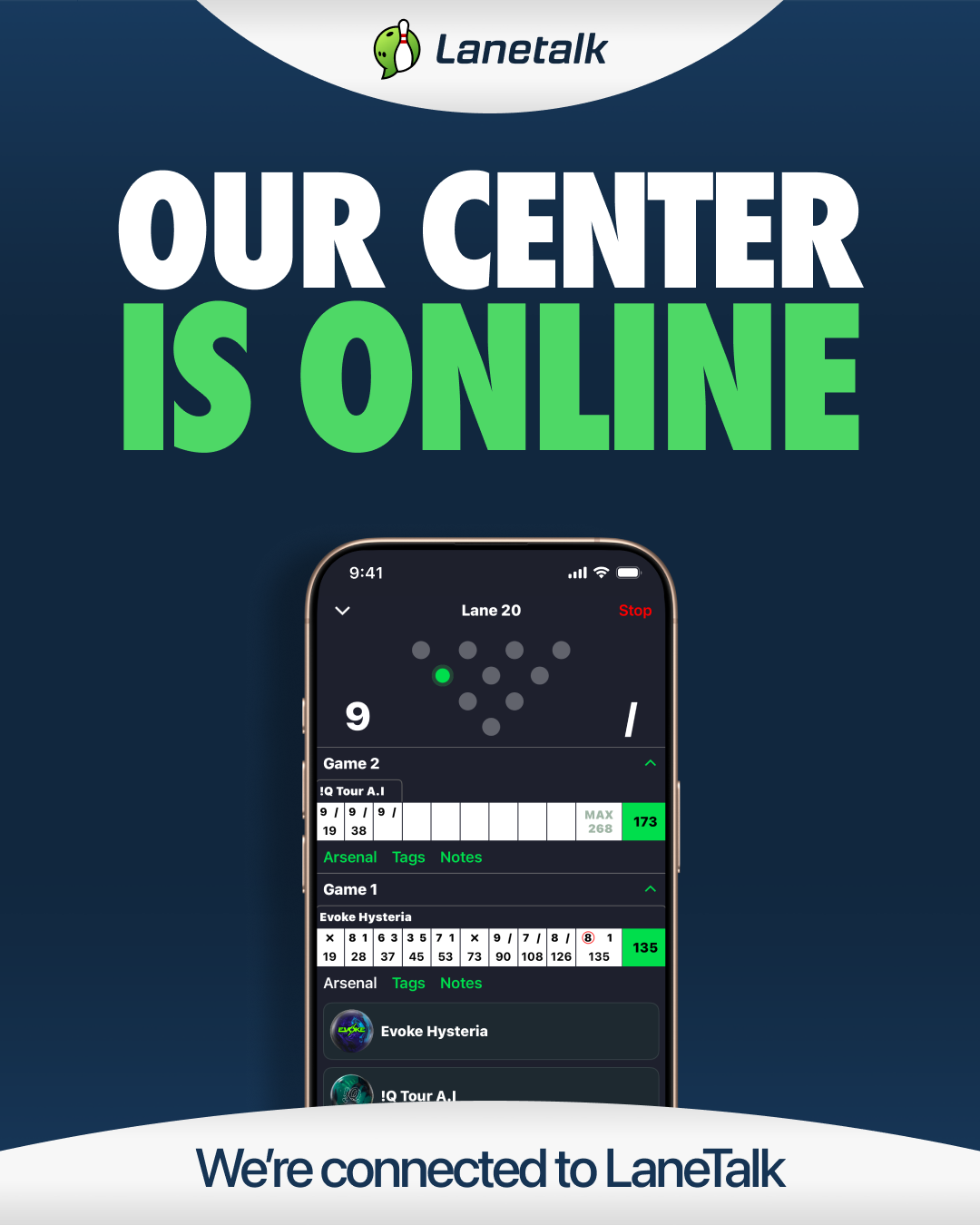
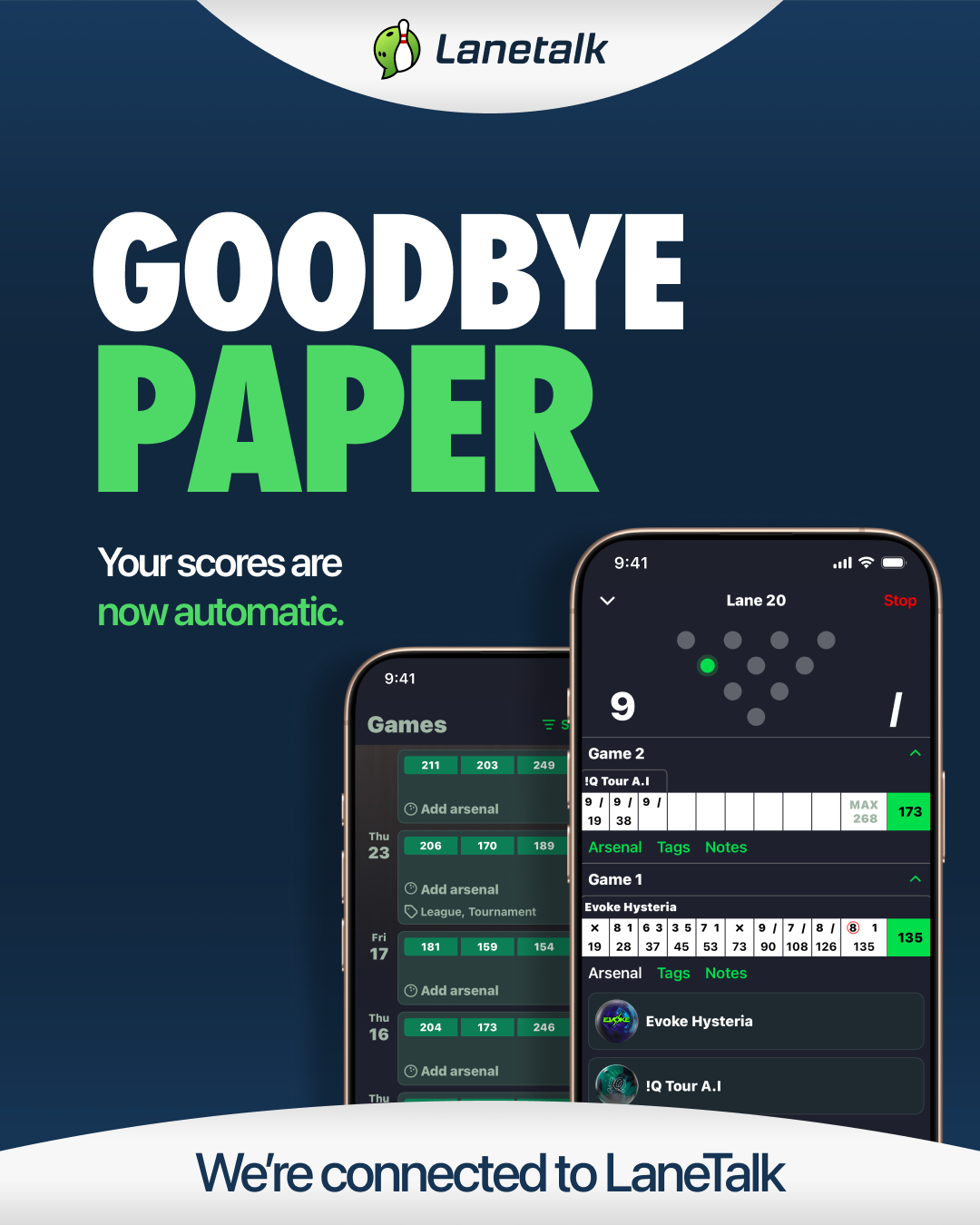
Promote your center by showing you’re connected to Lanetalk. You can download and use these pictures in your own social media channels if you want to.

”Our center is online - Belmo”
Download (png)
”Goodbye Paper - Belmo”
Download (png)
”Our center is online”
Download (png)
"Goodbye Paper"
Download (png)
"Our center is online - EJ"
Download (png)
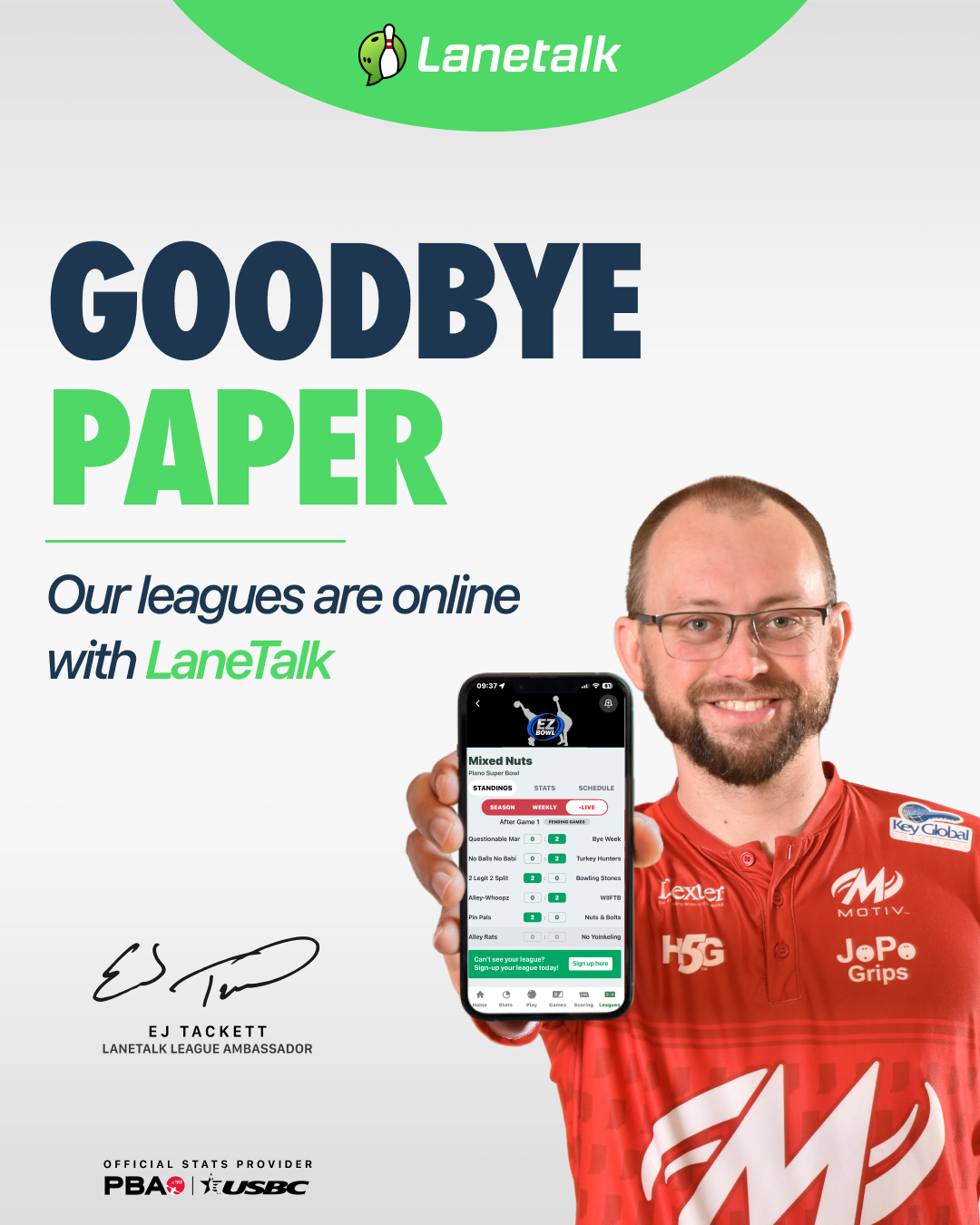
"Goodbye Paper - EJ"
Download (png)
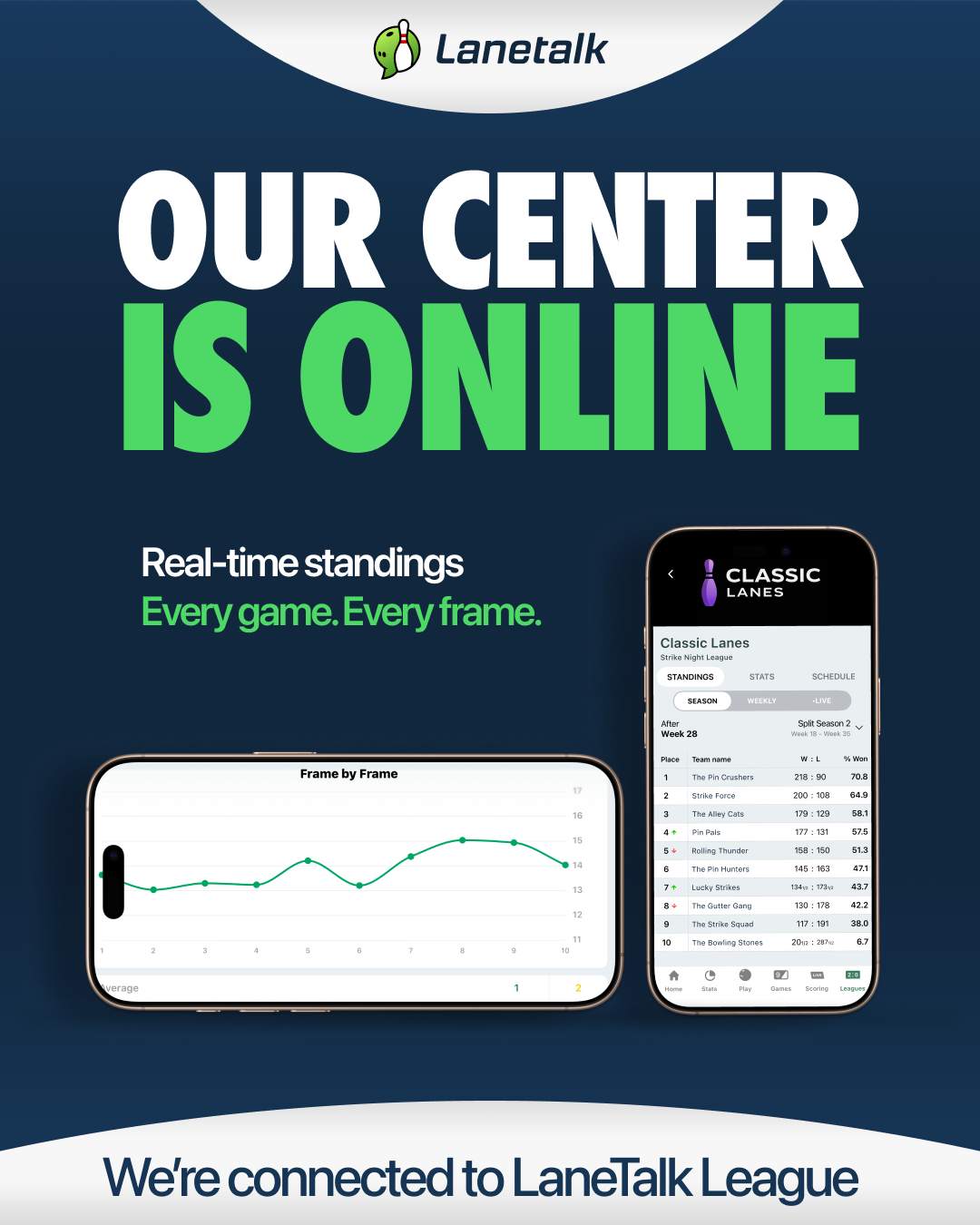
"Our center is online"
Download (png)
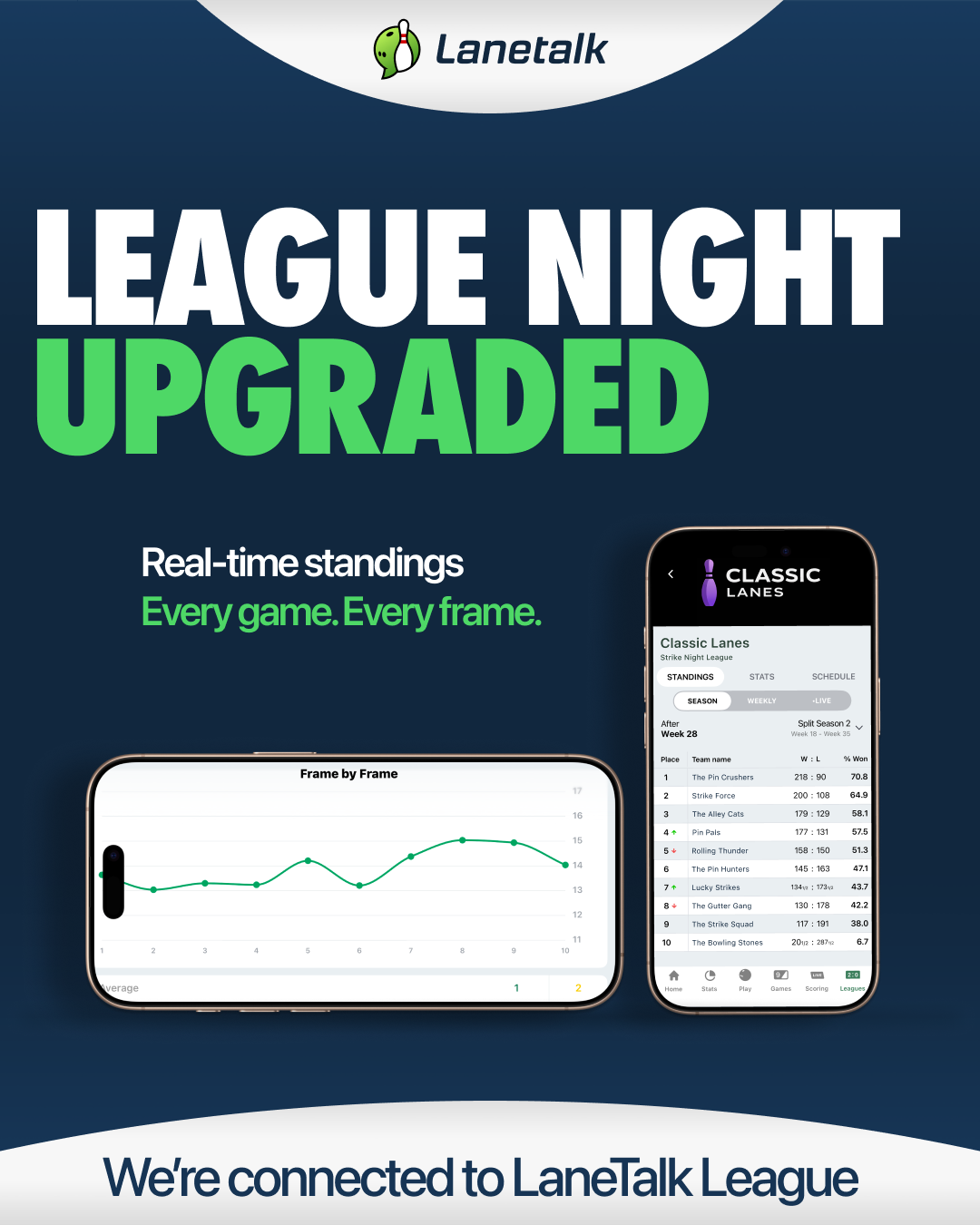
"League night upgraded"
Download (png)

"Save your scores - Kyle"
Download (png)

"Track your stats - Kyle"
Download (png)
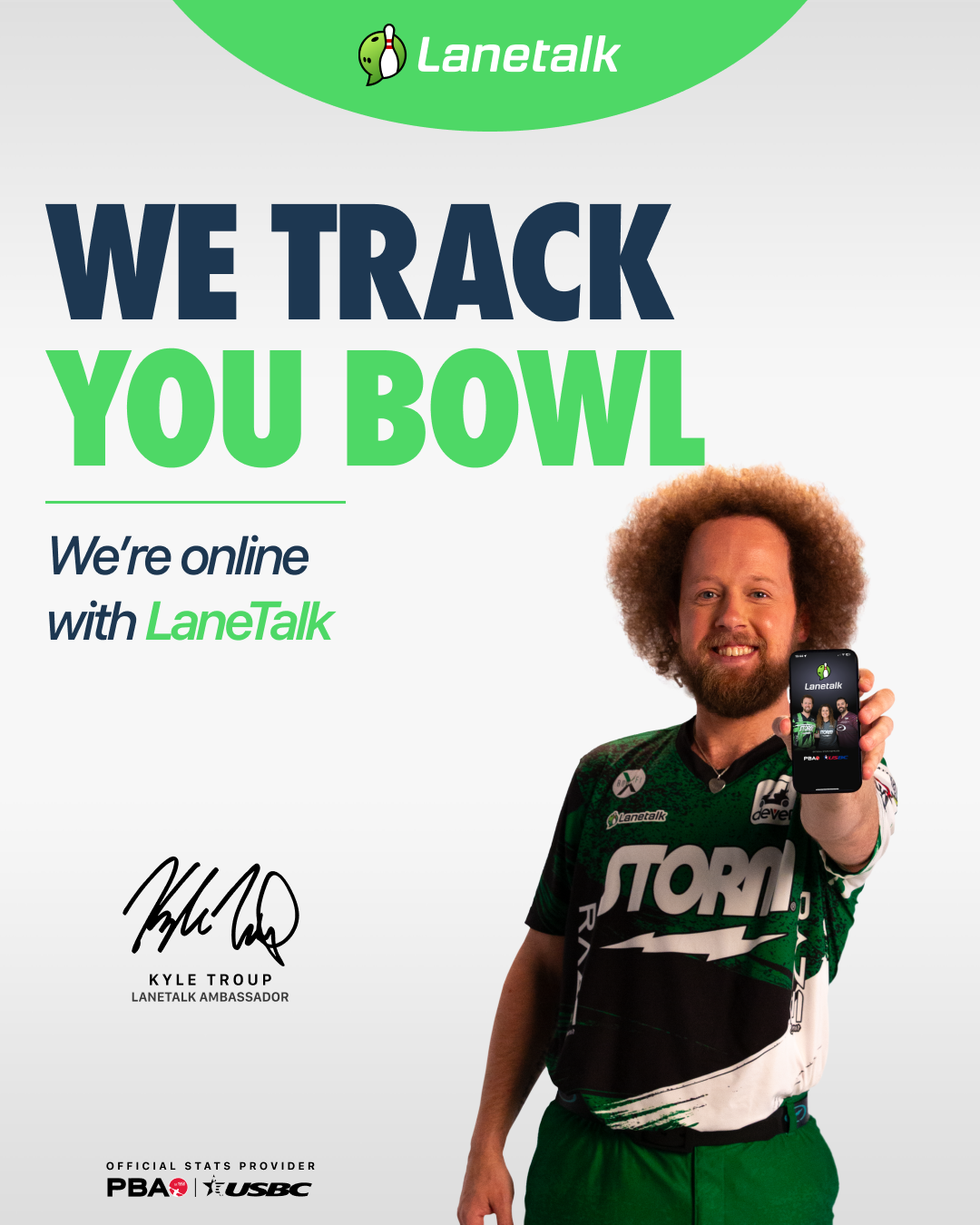
"We Track You bowl - Kyle"
Download (png)

"Track your league scores - Kyle"
Download (png)
Help your bowlers to understand how they can use Lanetalk in your center. Feel free to post a link to these videos in your social media channels to your customers. To download a video to your computer: Right-click on the download link and select “SAVE LINK AS”, then select where to save it.

Jason Belmonte: Lanetalk is now activated in your center!
Download ()
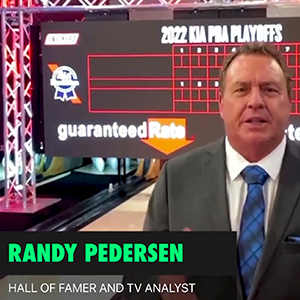
Randy Pedersen: Download the Lanetalk app!
Download ()
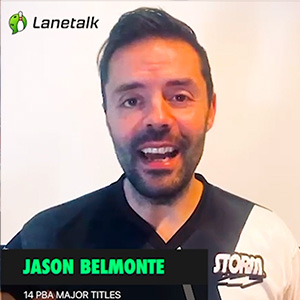
Jason Belmonte: How I use the Lanetalk app
Download ()

Kyle Troup: Introducing the global handicap
Download ()
With Live Scoring you can see how many bowlers that are playing right now. It’s also a great feature if you want to see how your friends are doing in a tournament at another center.
There’s always a tournament running in the Lanetalk app. Take a look for yourself, maybe you should give it a go at one? It’s free for all users.
It’s really simple to setup a local center competition or a tournament – and it’s all for free! But first, you need to send a mail to support@lanetalk.com to add you as a center match administrator so that you can create your own local competitions. Follow this guide on how to create a local center competition.
Don’t hesitate to contact us and we will be happy to assist you!
Please drop us a mail to support@lanetalk.com and we will reply asap.