Use the Exception report to find issues

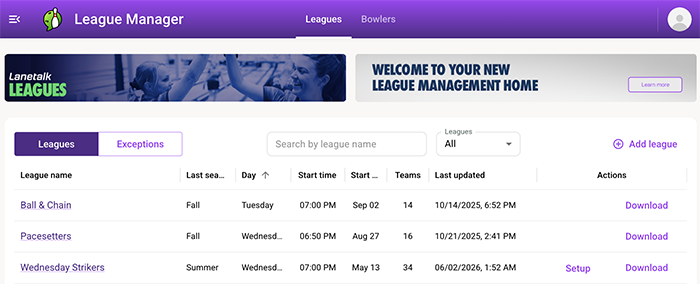
The Exception report helps you quickly identify and fix issues in your league setup. Follow this guide to review and resolve any exceptions. This is the recommended approach rather than checking each week independently.
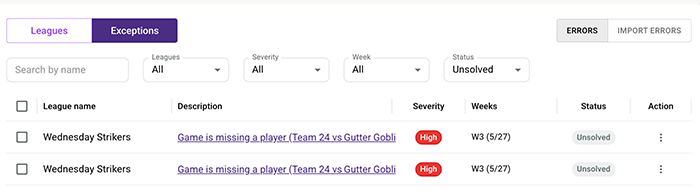
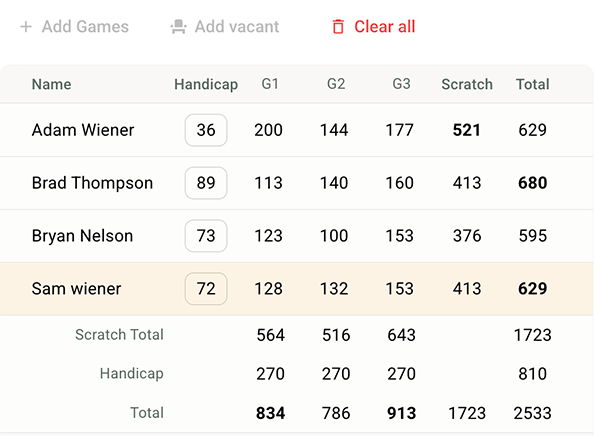
⚠️ Most common issue: Missing bowler in the roster
If a bowler is missing from the roster, the system marks it with a yellow background. Tap here to learn how to fix that: Fix missing bowlers.