Download the Desktop app

The software lets you save roster files to your Conqueror server.
A notice will appear in the top‑right corner.
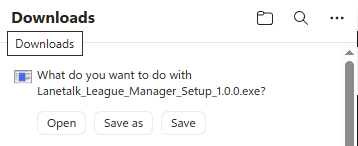
Select Save.
Tap the three dots and choose Keep.
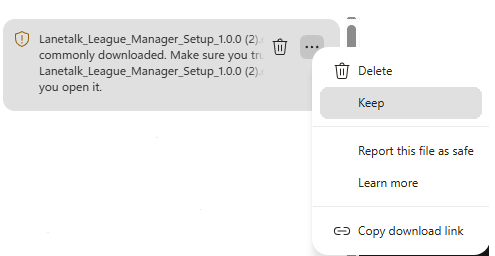
Your antivirus may warn you about your downloaded file. Select the Keep anyway button.
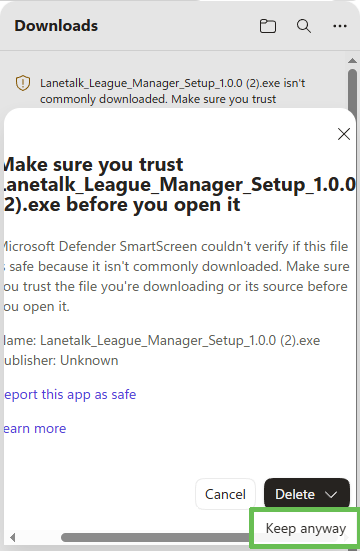
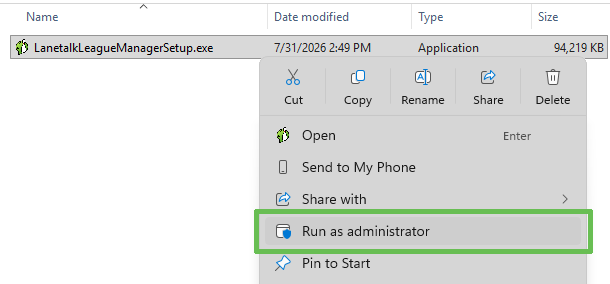
Your antivirus may warn you. Microsoft Defender might show the warning below.
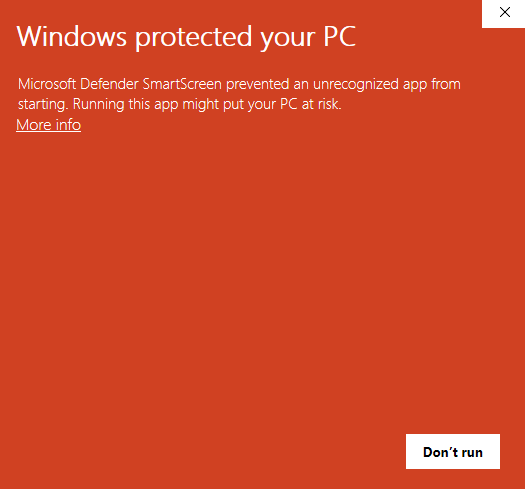
Select More info.
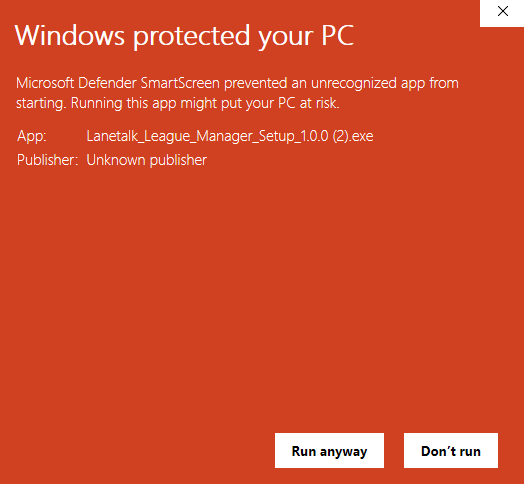
Now select Run anyway.
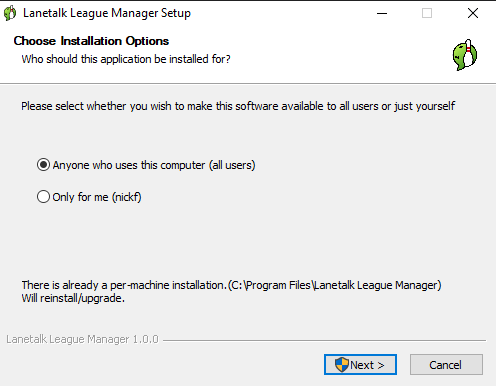
Finally, select to install it for Anyone who uses this computer (all users).
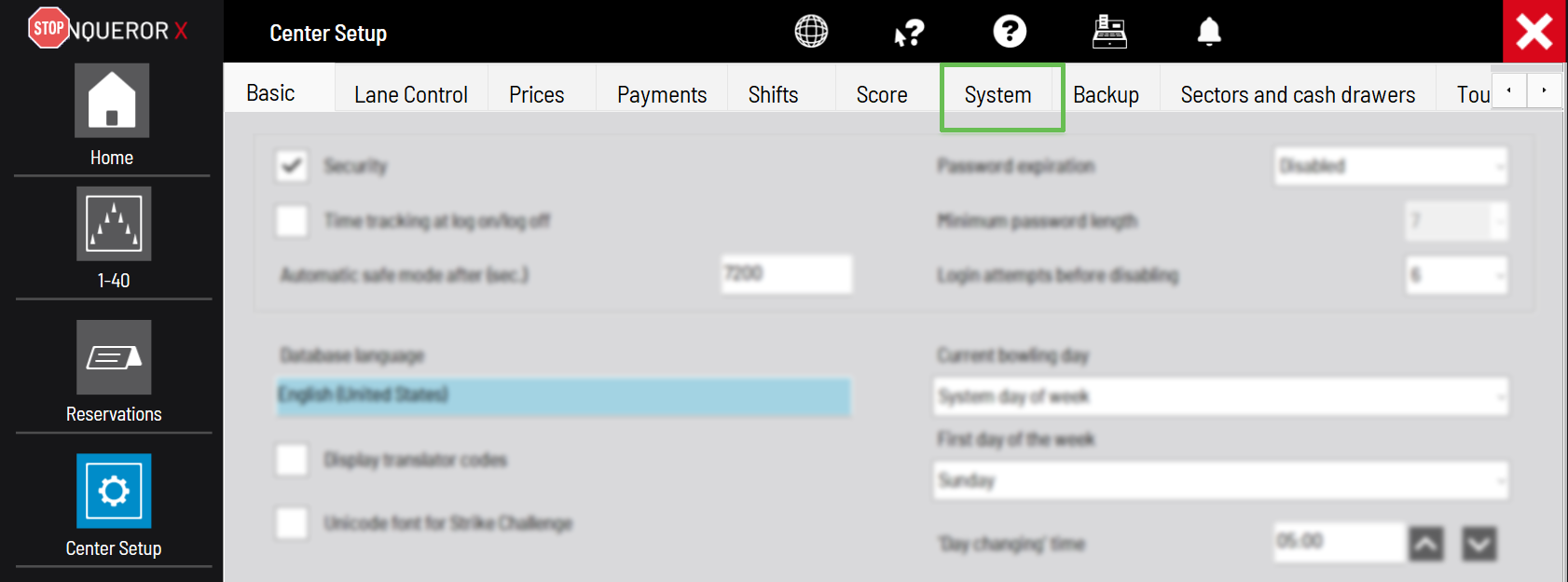
Now select the System tab:
Now copy the path in the “BLS and BTM file export path” field.
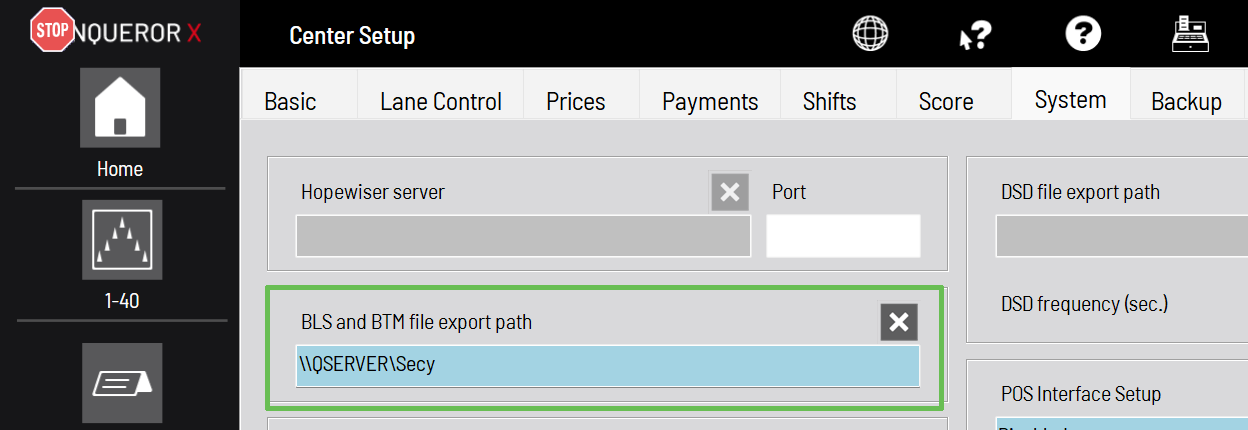
The path is usually \\QSERVER\Secy, but it may vary.

This will take you to the League Manager login page. Sign in with your credentials. If you’ve forgotten your password, tap Forgot password to receive a reset email.
On the start page of the League manager, tap the Setup link for any of your leagues.
On the top right page, tap on the Gear icon to configure the roster export.
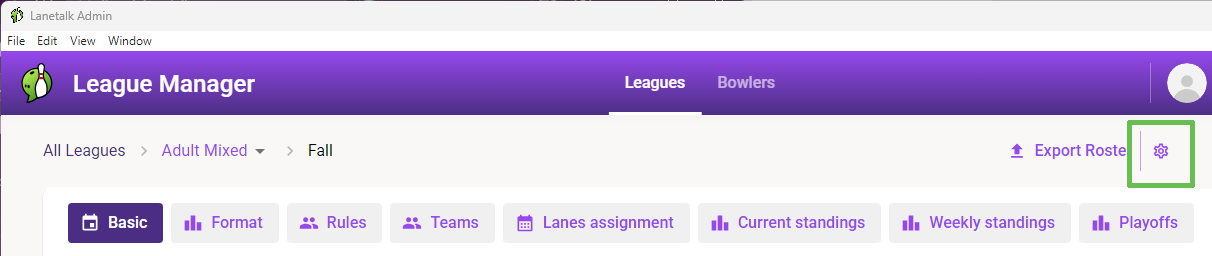
Then paste the path to your roster files that you copied from Conqueror:
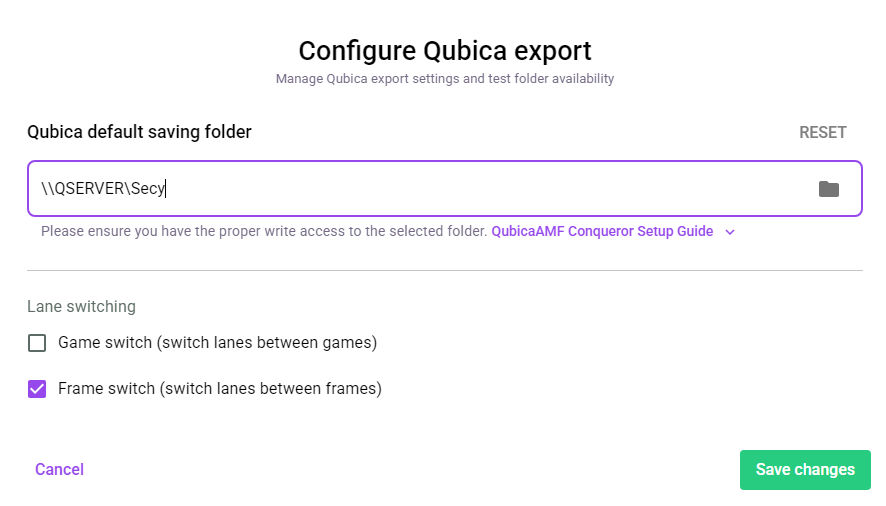
Tap Save changes.
Now you’re all set.
Click the Export Roster button in the top‑right corner to select the week you like to export. It will now be sent to Conqueror so that you can prepare your lanes for the league.

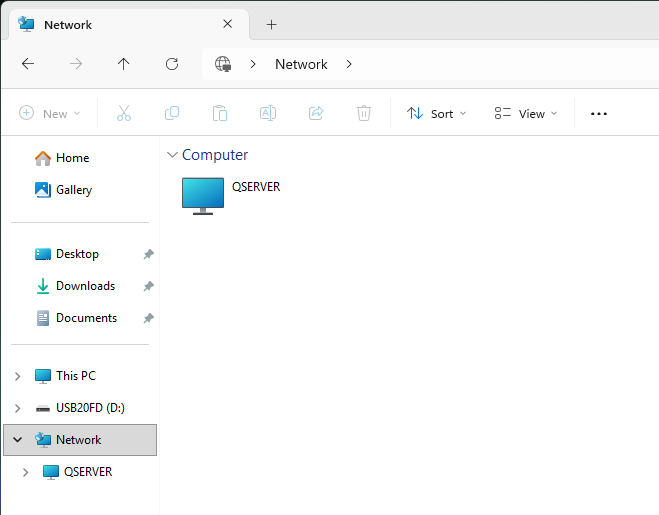
Note: Open Windows File Explorer and click Network to locate the QSERVER. This confirms that you’re on the center’s network and that you can access the QubicaAMF Conqueror server to send the roster to Conqueror.